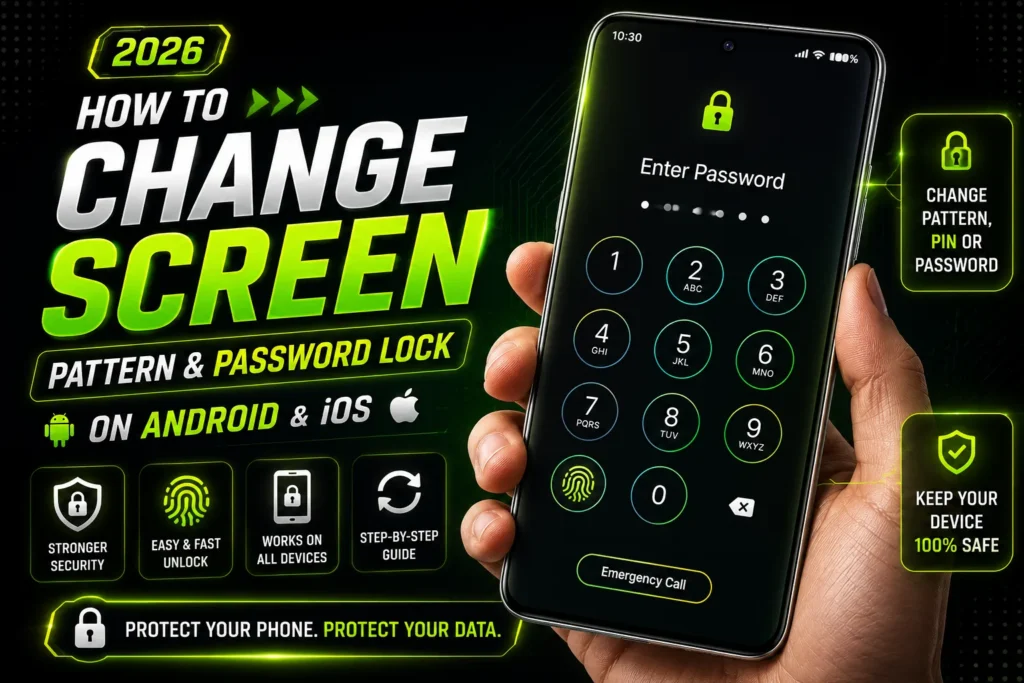
Forgetting your phone’s screen lock can be frustrating, especially when important photos, contacts, banking apps, and personal files are stored on the device.
Fortunately, both Android and iPhone users have several official methods to regain access. The process depends on your device, security settings, and whether you remember your Google Account or Apple ID credentials.
In this guide, you’ll learn how to unlock a forgotten pattern, PIN, or password on Android and iPhone in 2026 using safe and legitimate methods.
Can You Unlock a Phone Without Losing Data?
Related Posts:
The answer depends on your phone and the security features enabled before it was locked.
If you have previously enabled cloud backup, Find My Device, or Find My iPhone, most of your important data can be restored after resetting the device. However, modern Android and iPhone security systems are designed to protect user privacy, so there is no universal method to bypass the screen lock without verification.
Always avoid unofficial apps or websites that promise instant password removal without verification, as many are unsafe or fraudulent.
How to Unlock a Forgotten Pattern or Password on Android
Method 1: Use Your Google Account
Related Posts:
If your Android phone is connected to your Google Account and you remember your account password, you can recover access after performing a factory reset.
Steps:
- Turn off your Android phone.
- Enter Recovery Mode using the correct button combination for your device.
- Choose Factory Reset or Wipe Data.
- Restart the phone.
- During setup, sign in with the same Google Account previously linked to the device.
- Restore your backup if available.
This is the safest official recovery method for most Android smartphones in 2026.
Method 2: Use Find My Device
If your phone is connected to the internet and linked to your Google Account, Find My Device can help you erase the device remotely.
Steps:
- Open Find My Device on another phone or computer.
- Sign in with your Google Account.
- Select the locked phone.
- Choose Erase Device.
- Set up the phone again using your Google Account.
- Restore your backup.
This method removes the forgotten screen lock while keeping your account protected.
Method 3: Samsung Users Can Recover More Easily
Samsung users who have enabled Samsung Account features may have additional recovery options depending on the device model and software version.
After resetting the phone, simply sign in with your Samsung Account and restore your backed-up data.
How to Unlock a Forgotten Password on iPhone
Unlike Android, iPhones do not support pattern locks. They use a passcode along with Face ID or Touch ID.
If you forget your iPhone passcode, you must erase the device before setting it up again.
Method 1: Use Find My iPhone
If Find My iPhone is enabled, follow these steps:
- Open iCloud or the Find My app on another Apple device.
- Sign in using your Apple ID.
- Select your locked iPhone.
- Tap Erase iPhone.
- Wait until the reset finishes.
- Set up the device again.
- Restore your iCloud backup if available.
Method 2: Recovery Mode
If Find My is unavailable, Recovery Mode is another official solution.
Steps:
- Connect your iPhone to a computer.
- Put the device into Recovery Mode.
- Open Finder on Mac or Apple Devices/iTunes on Windows.
- Select Restore iPhone.
- Wait for the software to reinstall.
- Sign in with your Apple ID after setup.
Remember that Apple’s Activation Lock requires the original Apple ID and password before the phone can be used again.
What Happens After a Factory Reset?
A factory reset removes:
- Screen lock
- Installed apps
- Photos not backed up
- Messages
- Device settings
- Downloaded files
However, you can restore much of your information if cloud backup was enabled before the reset.
Android users can restore data from Google Backup, while iPhone users can restore from iCloud Backup.
Tips to Avoid Forgetting Your Password Again
After regaining access, take a few simple precautions:
- Use a password that is secure but easy for you to remember.
- Enable fingerprint or Face Unlock.
- Turn on Google Backup or iCloud Backup.
- Save your password securely in a trusted password manager.
- Keep your Google Account or Apple ID recovery information updated.
- Add a recovery phone number and email address.
These steps make future recovery much easier.
Common Mistakes to Avoid
Many users panic after forgetting their screen lock and make costly mistakes.
Avoid these actions:
- Downloading unknown unlocking software.
- Paying unofficial websites claiming instant unlock.
- Sharing your Google or Apple ID password with strangers.
- Repeatedly entering the wrong password until the device becomes disabled.
- Skipping cloud backups.
Using only official recovery methods keeps your personal information safe.
Frequently Asked Questions
Can I unlock Android without resetting it?
In most modern Android phones running Android 13, 14, 15, or newer, there is no official method to remove the screen lock without verifying your identity or resetting the device.
Can I unlock my iPhone without Apple ID?
No. After a reset, you must sign in with the Apple ID previously linked to the device because of Activation Lock.
Will I lose my photos?
If your photos were backed up to Google Photos, Google One, or iCloud Photos, you can restore them after signing in again. Photos stored only on the device may be lost after a factory reset.
Is there any free unlocking tool?
Official recovery methods provided by Google, Apple, and some smartphone manufacturers are free. Be cautious of third-party tools that promise guaranteed unlocking, as many are unreliable or unsafe.
My Final Word
Forgetting your Android pattern, PIN, or iPhone password can be stressful, but recovering access is possible by following official recovery methods. In 2026, Android users can use Google Account recovery, Find My Device, or Recovery Mode, while iPhone users can erase and restore their device through Find My or Recovery Mode.
Keeping regular cloud backups and remembering your Google Account or Apple ID credentials will make the recovery process much smoother and help protect your valuable data.